Start from product facts
The planned importer will support public URLs plus seller-provided product images, selling points, and reference videos.
Early-access product URL to video workflow
Explore the planned path from product-page facts and seller-provided, rights-cleared creative references to a reviewable ad script, storyboard, AI shots, captions, and campaign-ready cuts.
Public workflow preview only. Product URLs are not accepted yet, and no paid video render runs here.
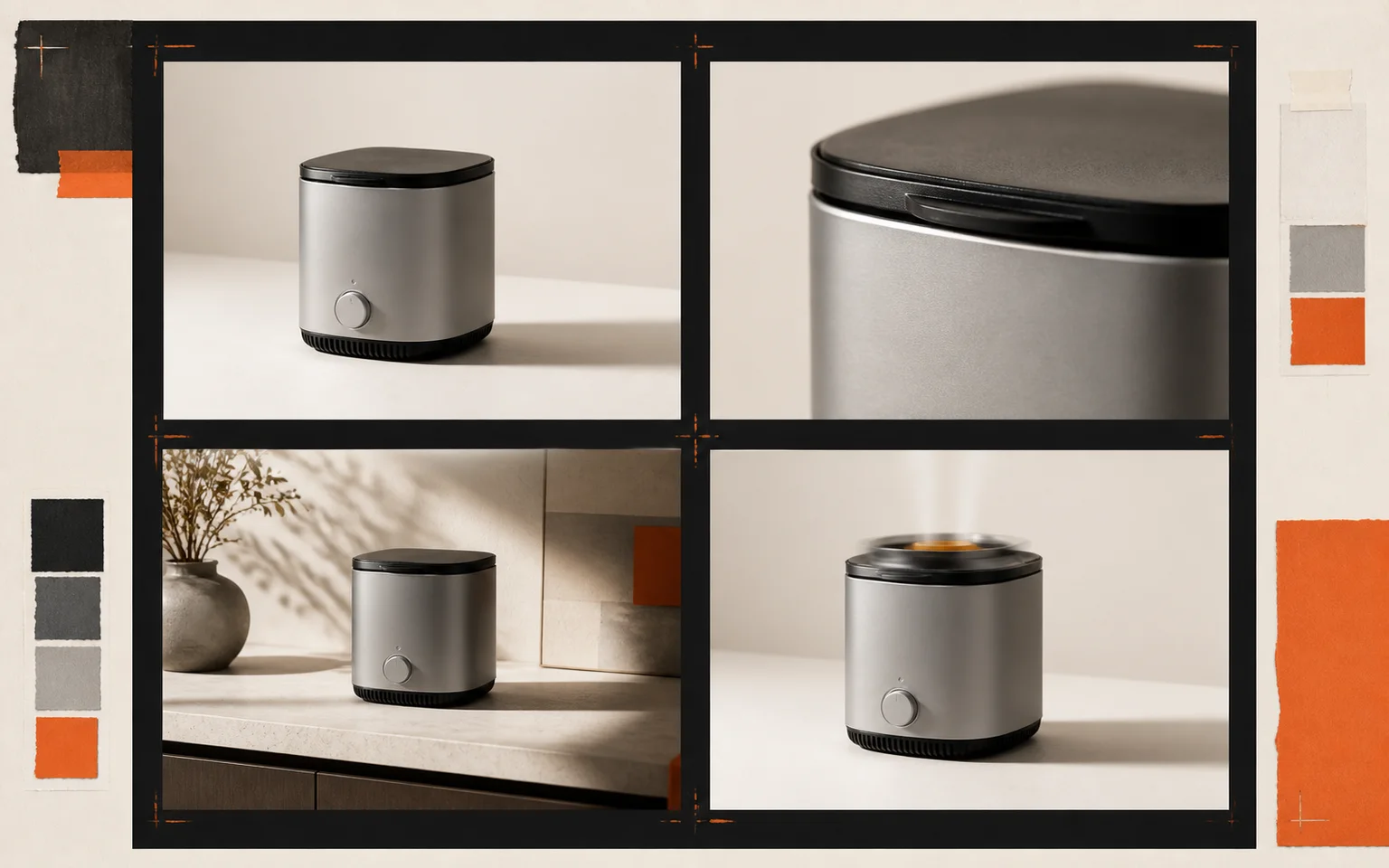
Product URL to video, explained
A product URL to video workflow should begin with material a merchant already has: a public product link, product-page copy, approved images, key specifications, seller-provided clips, and optional creative references the merchant owns or is licensed to use. URLReel is being designed to turn those inputs into a product-grounded creative brief instead of asking a model to guess what is being sold. The public site is an early-access workflow preview: it does not accept URLs yet and it does not run paid renders.
The planned output is a reviewable video-ad plan. It can organize a hook, product proof, demonstration, close, reference images, on-screen copy, captions, and framing for vertical, square, or landscape cuts. When a merchant supplies a reference ad they own or are authorized to use, the brief can study its high-level hook and pacing before proposing an original script and storyboard. A product URL to video workflow is useful for Shopify, Amazon, TikTok Shop, WooCommerce, and direct-to-consumer product pages without treating every page detail as a claim worth repeating.
Human review remains central. Teams should check product facts, approve selected references, refine the angle, and decide which shots deserve generative work before a final cut is assembled. Reference ads can guide high-level structure, but their shots, copy, audio, and brand elements must not be copied. Product claims must be supported by product evidence, not by a reference ad. That gives a marketer room to remove an unsupported promise, a designer room to protect a product detail, and an operator room to rerun one weak shot instead of rebuilding a whole product video.
URLReel's planned AI Video path is for a new product-grounded moment when existing footage cannot show it. HyperFrame Motion is different: it composes approved images, clips, captions, and layouts with deterministic web animation. One workflow can use both paths—creative AI shots where they help, then controlled motion where fidelity, repeatable formatting, and familiar assets matter most.
The goal is not a black-box product link to video button. It is a practical process for taking a product page toward a video ad that people can inspect before publication: the source facts, creative plan, selected assets, and channel-ready outputs stay visible. Explore the full AI product video generator guide to see how the planned workflow fits together.
Designed around the storefronts you already use.
Workflow
The planned workspace will surface the story, product references, and delivery formats before expensive video generation begins.
The planned importer will support public URLs plus seller-provided product images, selling points, and reference videos.
The planned review step combines product proof with merchant-owned or licensed creative references to assess hooks and pacing, validate claims against product evidence, and propose an original script and storyboard.
Teams will be able to reserve AI generation for footage that does not exist and keep approved original assets everywhere else.
The planned timeline brings captions, voice, audio, and platform-safe framing into one reviewable export plan.
The URLReel roadmap combines AI-generated motion with deterministic HyperFrame composition for approved product media.
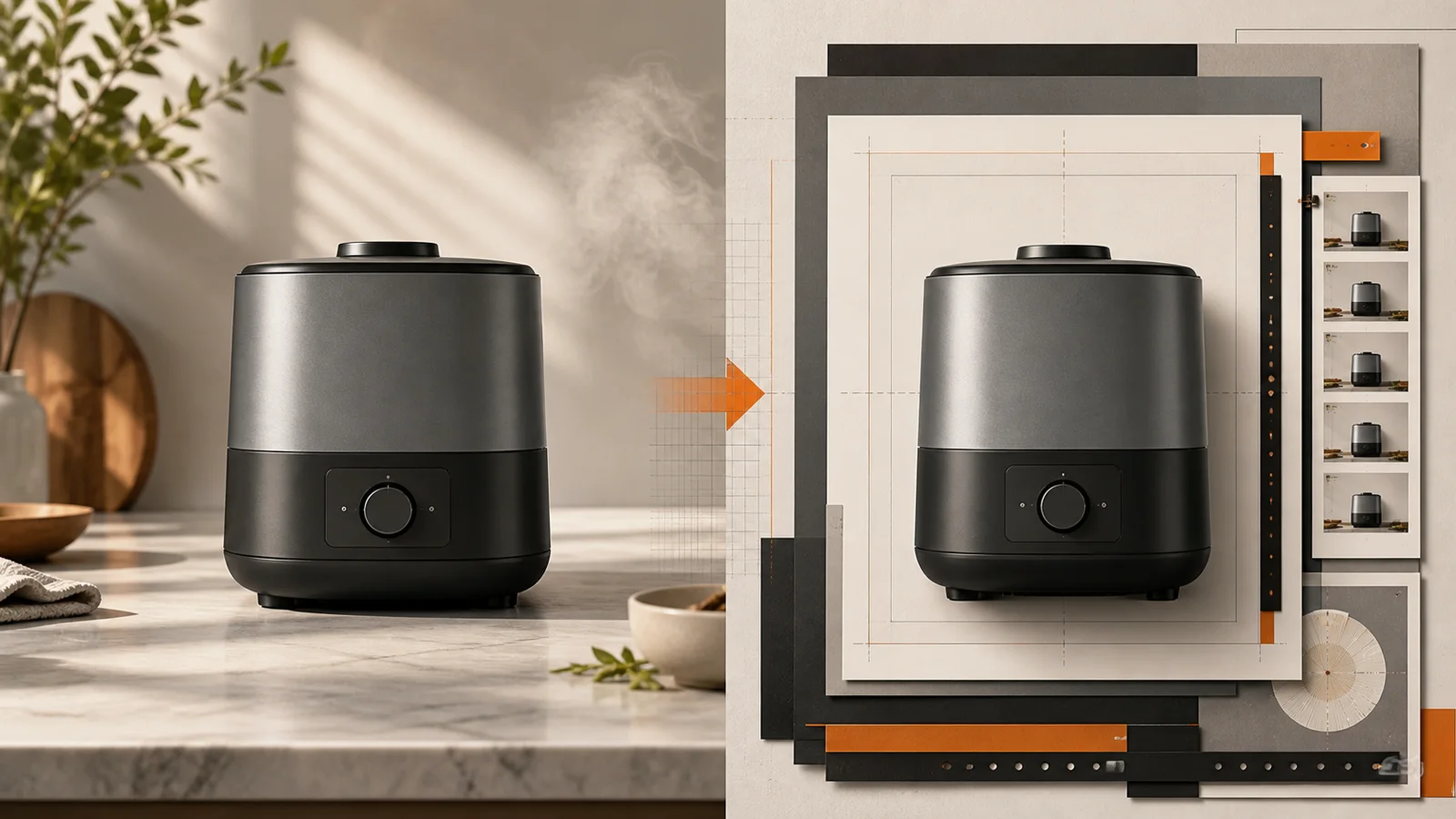
The planned AI path is intended for product-grounded shots when existing assets cannot show the moment.
The HyperFrame path will animate approved product media with repeatable HTML, CSS, and timeline logic.
The early-access plan keeps the creative brief, shot list, references, and output rules visible before a final cut.
The planned importer will identify useful images, benefits, price cues, and brand signals from a seller-provided page.
The planned brief studies high-level hooks and pacing in merchant-owned or licensed reference ads, then builds an original, product-grounded script and storyboard without copying shots, copy, audio, or brand elements.
Each proposed AI shot will be anchored to selected product images for more consistent shape, color, and detail.
The shot list is designed so teams can approve strong footage and rerun one weak take without rebuilding a full video.
The finishing plan includes narration, timed subtitles, and clear on-screen copy for each language and channel.
The planned timeline keeps one creative direction while adapting pacing and framing for vertical, square, and landscape delivery.
Formats
The roadmap turns one approved product story into focused formats for discovery, detail, proof, and conversion.
Creator-led hooks, problem-solution structure, captions, and a direct call to action.
Show the product in use with reference-controlled detail shots and a clear benefit arc.
A concise, product-grounded overview for Amazon, Shopify, and ecommerce product pages.
Test new hooks and calls to action without rebuilding the approved product story.
Clear answers about the planned URL-first workflow, production controls, and early access.
Practical guides for URL-first product videos, controlled AI shots, and repeatable campaign formats.
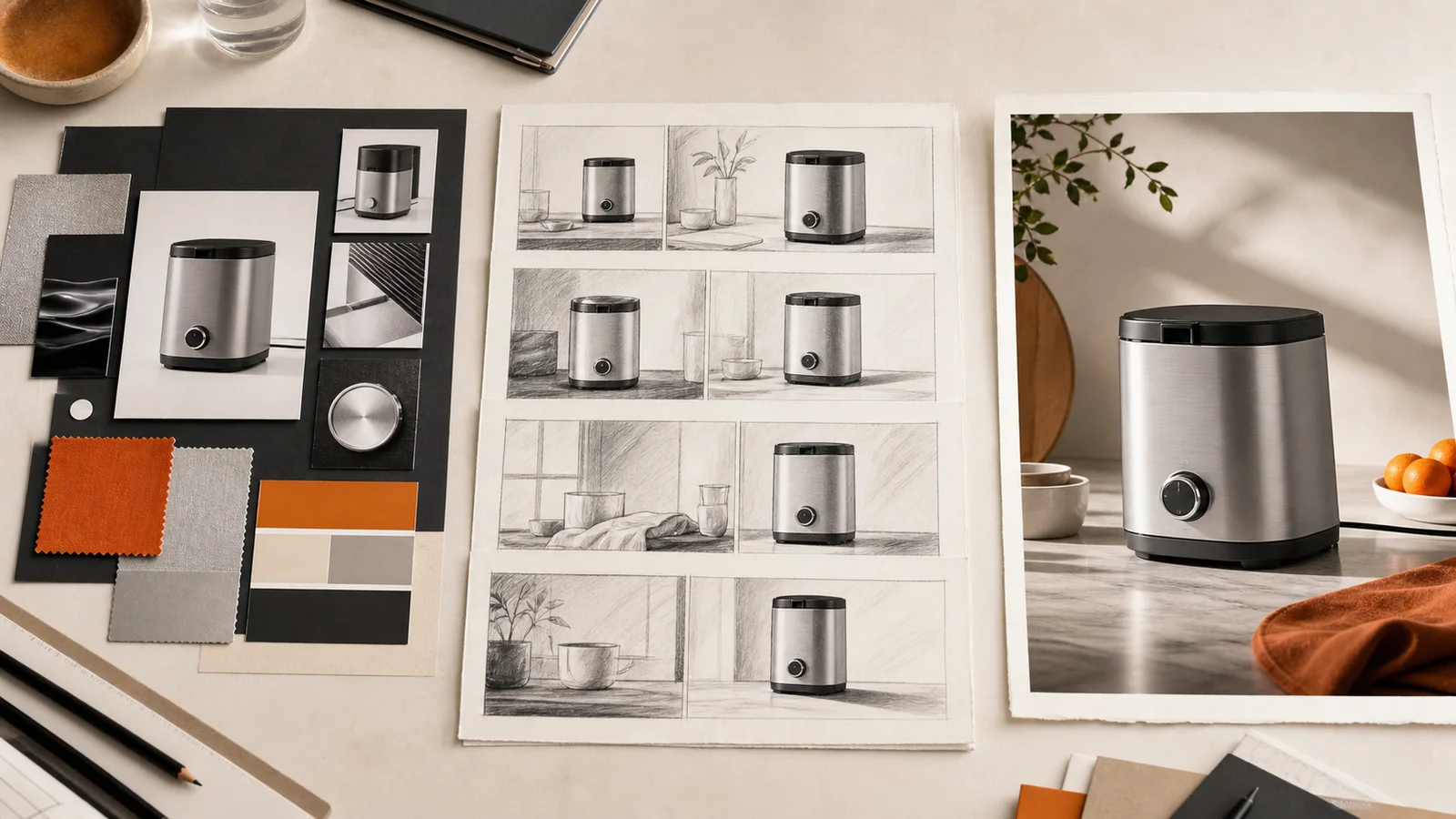
A practical URL-to-video workflow for turning Shopify, Amazon, and ecommerce product pages into scripts, storyboards, AI shots, and reviewable video ads.
 URLReel Team
Compare AI Video and HyperFrame Motion for ecommerce ads: when to generate product footage, animate approved assets, or combine both.
URLReel TeamFollow the roadmap for turning product facts into a reviewable storyboard, choosing AI or HyperFrame motion, and planning every campaign cut.